Locus

Screenshot any window
with one hotkey

A macOS menu bar app that captures the window under your cursor and copies it to your clipboard. Paste into Claude, ChatGPT, Slack, or anywhere else. No click, no drag, no file to find.

Download for macOS or
brew install entigrate/tap/locus

Requires macOS 14 Sonoma or later

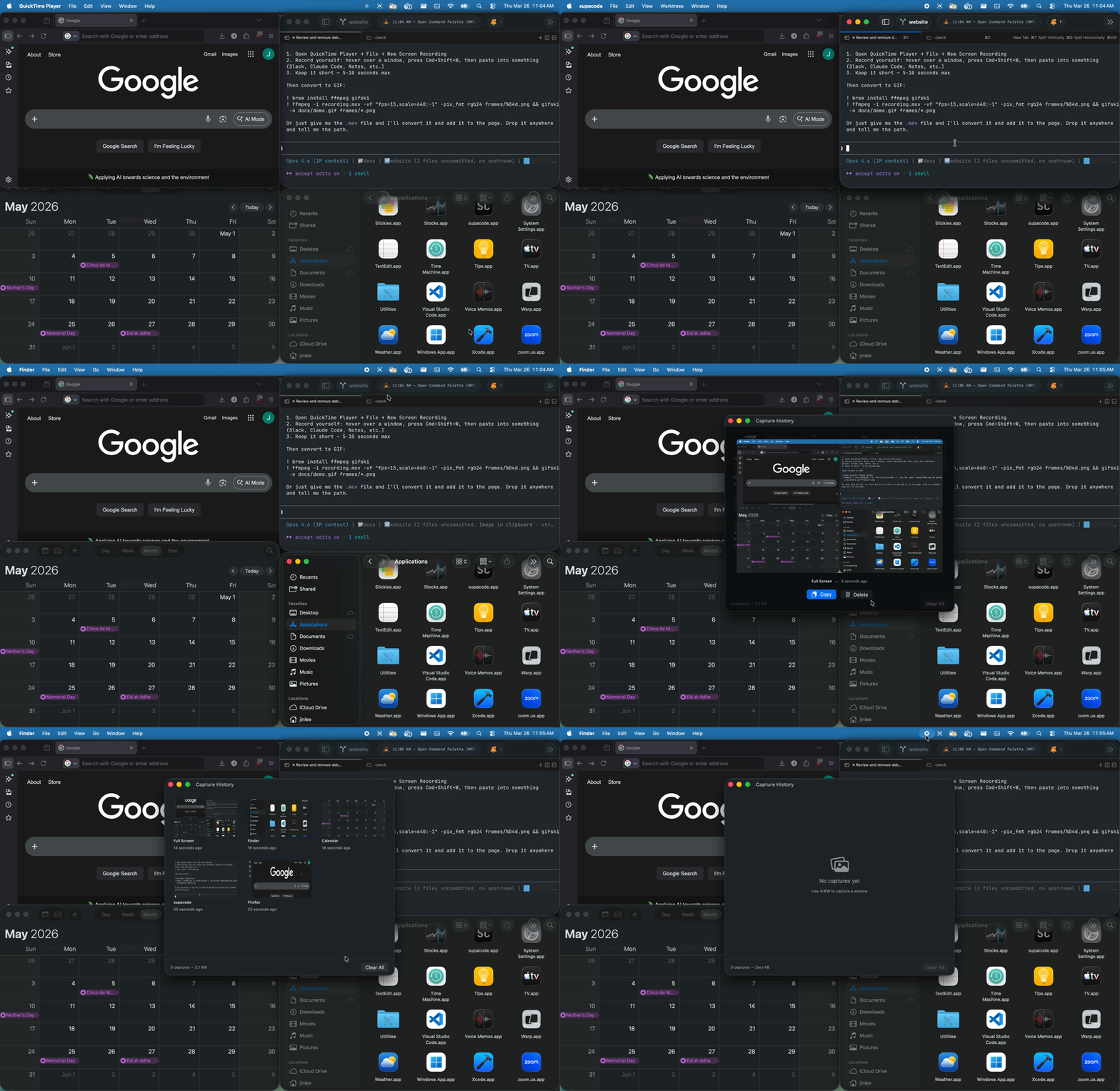
Locus in action — capture a window with one hotkey

No click, no drag, no aim

Even with macOS clipboard shortcuts, capturing a window means switching modes, aiming, and clicking. Locus skips all of that.

macOS Built-in

  1. 1. Cmd+Ctrl+Shift+4
  2. 2. Spacebar
  3. 3. Click the window
  4. 4. Cmd+V

With Locus

  1. 1. Cmd+Shift+1
  2. 2. Cmd+V

Hover over any window and press. No mode, no aim, no click.

Features

Instant window capture

Hover over any window, press the hotkey. The window is captured and copied to your clipboard instantly.

🖵

Full screen capture

Capture the entire screen with a separate hotkey. Both window and full screen modes, ready when you need them.

Capture history

Browse past captures in a grid view. Re-copy any previous capture to clipboard with one click.

Configurable shortcuts

Set your own hotkeys for window capture, full screen capture, and history. Whatever fits your workflow.

🔊

Audio & visual feedback

A sound and screen flash confirm every capture. Configurable in Settings, or turn them off entirely.

Auto-updates

Locus updates itself in the background. You'll always have the latest version without lifting a finger.

Privacy & permissions

Locus requires two macOS permissions. Here's exactly why, with nothing to hide.

Accessibility

Needed to register global hotkeys so the capture shortcut works in any app. Locus does not read or modify any window content.

Screen Recording

Needed to capture window contents using ScreenCaptureKit. Captures are stored locally and never leave your machine.

Locus is source-available on GitHub. Verify every line yourself.

Get Locus

Download for macOS or brew install entigrate/tap/locus

Free and source-available. Requires macOS 14+.